Preserve existing units
The source file defines which message identifiers exist. Locale files retain their translations, notes and metadata. Existing units are preserved instead of rebuilt from a simplified key-value representation.
An Angular i18n command-line tool that keeps XLIFF files synchronized while preserving the work inside them.
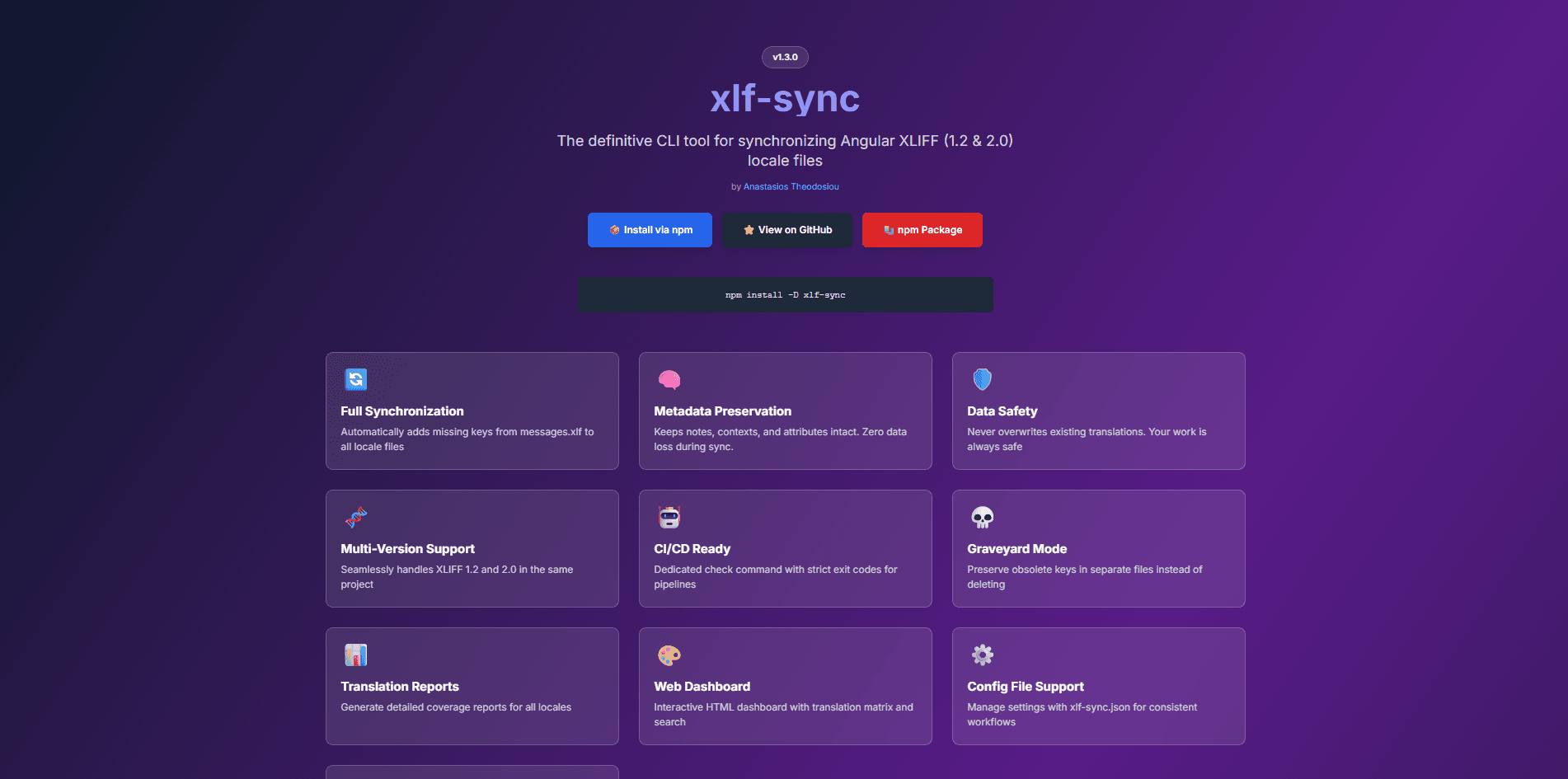
Angular extracts source messages, but teams still need to carry those changes into locale files. Those files contain translated text, approval states, translator notes and tool-specific metadata. Recreating them can discard information that the application team does not own.
I built xlf-sync around preserving existing translation units and making source changes visible. The project includes the CLI, public documentation, a translation coverage dashboard and commands that can be used as CI checks.
The source file defines which message identifiers exist. Locale files retain their translations, notes and metadata. Existing units are preserved instead of rebuilt from a simplified key-value representation.
A removed source key does not automatically erase translation history. Obsolete entries can be marked, moved to a graveyard file or explicitly deleted according to the team's workflow.
A standalone HTML dashboard shows translation coverage across locales. The check command makes missing or drifting translations visible in CI, alongside the same feedback developers use locally.
A source file gains a new “Book appointment” message. The existing Greek translation and translator note stay intact.
<trans-unit id="welcome" approved="yes">
  <source>Welcome</source>
  <target>Καλώς ήρθατε</target>
  <note>Keep the friendly tone.</note>
</trans-unit>
Illustrative XLIFF 1.2 excerpt. Select “Show synced file” to compare.
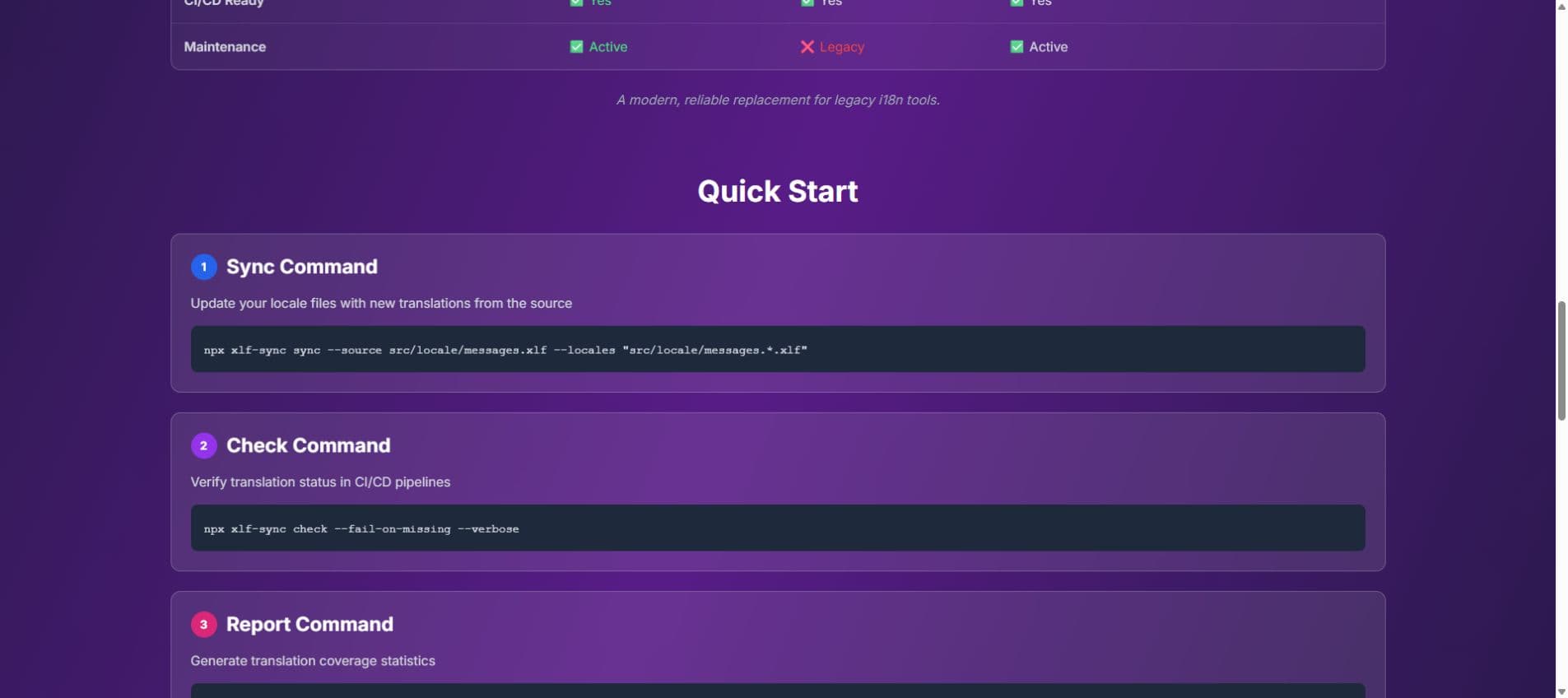
The tool supports XLIFF 1.2 and 2.0, including projects that contain both formats. It is published on npm, with its source available on GitHub and documentation on GitHub Pages. The static coverage report can be shared or retained as a CI artifact.
Angular teams can synchronize source changes while keeping translation state and context. The public package and documentation provide a concrete example of my Angular specialization and the tooling I build around application delivery.